
Case study / 04 / Student productivity PWA
AcademiaZen
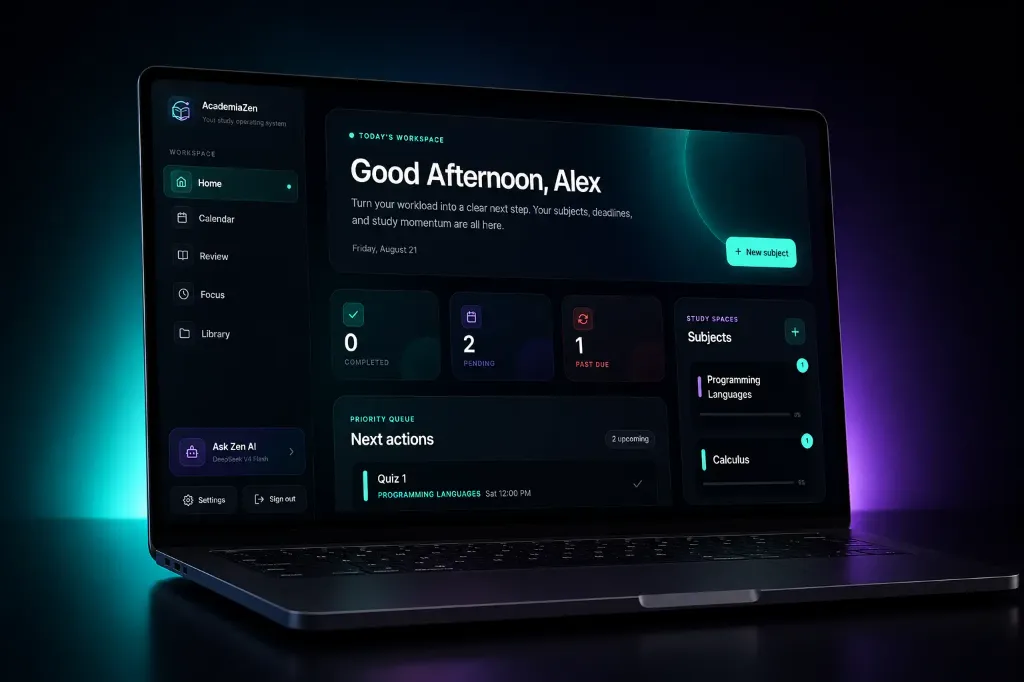
A responsive student workspace for subjects, tasks, study sessions, calendars, files, notifications, and AI-assisted learning tools, designed to work well across mobile and desktop.
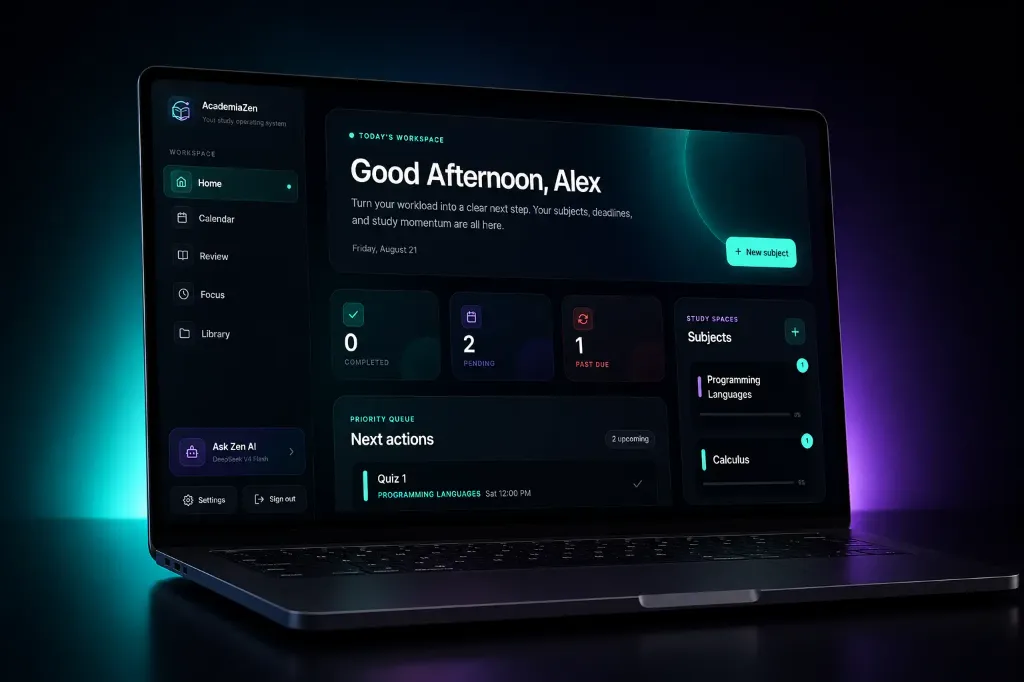
AcademiaZen / Interface overview
01 / Context
The problem to solve.
Students often manage tasks, schedules, study materials, focus sessions, and reminders across disconnected tools, increasing context switching and making progress harder to track.
02 / Approach
From need to interface.
AcademiaZen combines coursework planning, study sessions, files, notifications, and AI-assisted study tools in a responsive workspace designed for desktop and mobile use.
What I built
- Responsive student dashboard
- Subject, task, and calendar workflows
- File and PDF organization
- Notifications and AI-assisted study tools
03 / Implementation
How it fits together.
A React, TypeScript, Vite, and Tailwind CSS PWA communicates with a separate Node.js REST API. Firebase handles identity, MongoDB stores application state, Cloudflare R2 stores PDFs, and external adapters isolate push notifications, AI, and PayMongo billing. Docker and Nginx support production deployment.
Decisions that shaped the build
- Kept frontend and backend deployable as separate applications
- Used typed API boundaries and dedicated adapters for storage, identity, AI, billing, and push services
- Designed related study tools as focused views inside one persistent workspace
Challenges
- Synchronizing student state across authenticated sessions and reconnects
- Keeping PDF, notification, and study workflows usable on small screens
- Separating external services from core application behavior
04 / Delivery & lessons
Built, tested, and still learning.
Testing
Frontend Vitest tests cover API helpers, navigation, calendar, library, empty states, and error boundaries; Playwright covers the public browser experience. Backend Vitest suites cover authentication, environment validation, billing, quotas, state revisions, and account deletion. Run `npm run test:run` in each repository and `npm run test:e2e` in the frontend. Coverage commands exist, but no coverage percentage is claimed; authenticated cross-service browser flows remain an area for expansion.
Deployment
The frontend and backend are deployed with Docker and production operations documented; a public demo is available.
What I took forward
- Offline and reconnect behavior must be designed alongside normal online flows
- External services are easier to test when isolated behind adapters
- A productivity interface benefits from clear task boundaries instead of one overloaded dashboard